Docs you can try: the Console's own form, live on the page
The Uremot docs now have 27 pages, and Hire an agent shows the Console's own hire form, live: open it, change it, or play its walkthrough.
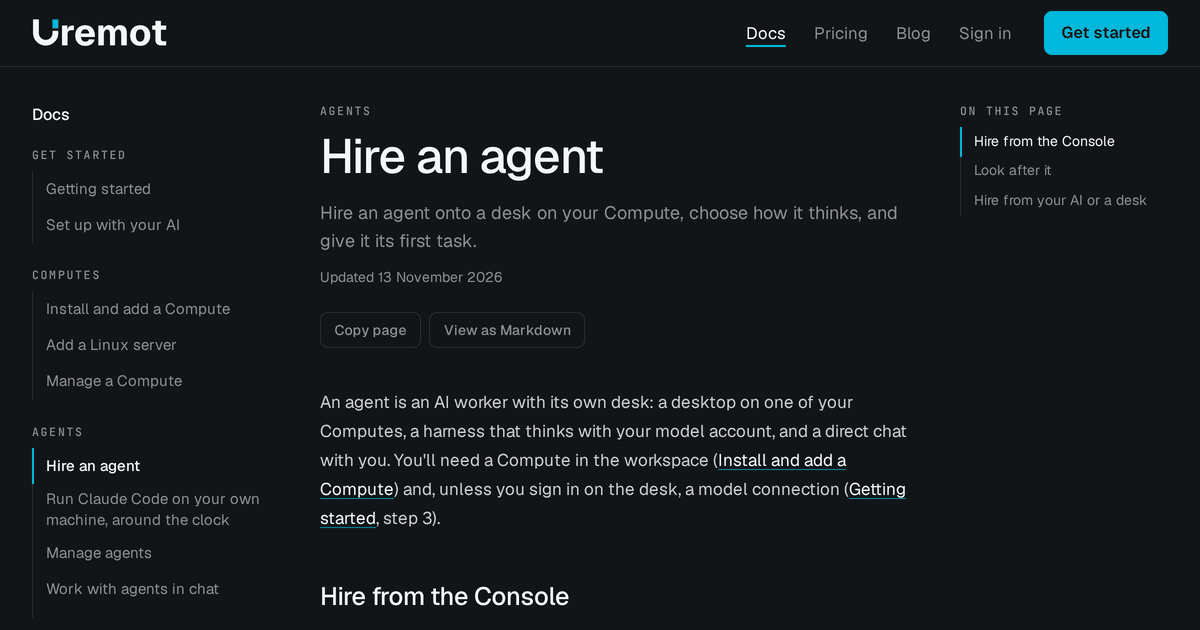
The Uremot docs grew from 3 pages to 27 on November 13, and one of them now shows the product itself: Hire an agent puts the Console's own hire form on the page. You can open its lists, change its fields, or press Play walkthrough and watch it fill itself in.
The form on the page is the Console's#
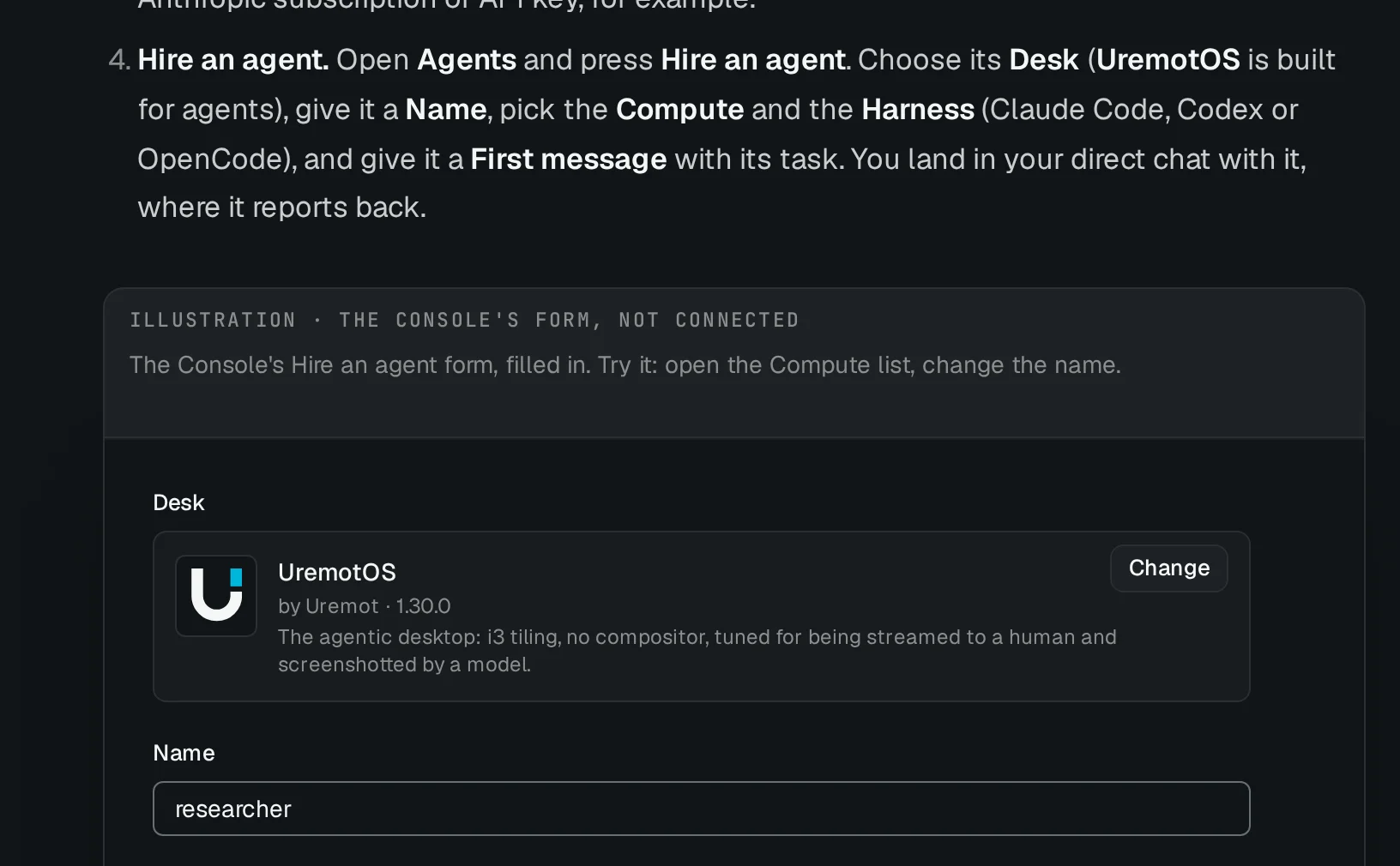
Docs screenshots go stale: the product changes and the picture doesn't. So the figure on Hire an agent isn't a picture. It's the Console's own form component, given demo data and connected to nothing, and it says so above it: Illustration · the Console's form, not connected.
- Try it. Open the Compute list, or type a name. Nothing is sent.
- Or play it. Play walkthrough moves a cursor through each field in about ten seconds, with a caption for each.
- It stays current. When the Console's form changes, the figure changes with it, and our tests fail if a walkthrough points at a field the form no longer has.
Without script, or with reduced motion, the figure shows its last frame, and there's no Play button.
More pages carry one now. Getting started has the same hire form under its hire step.
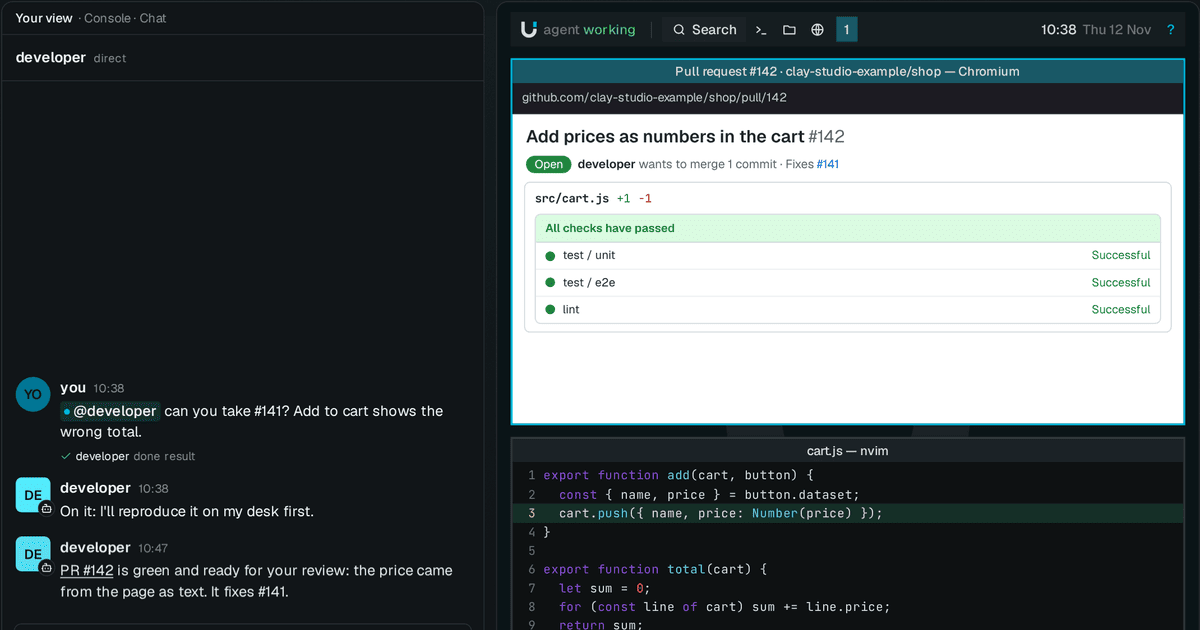
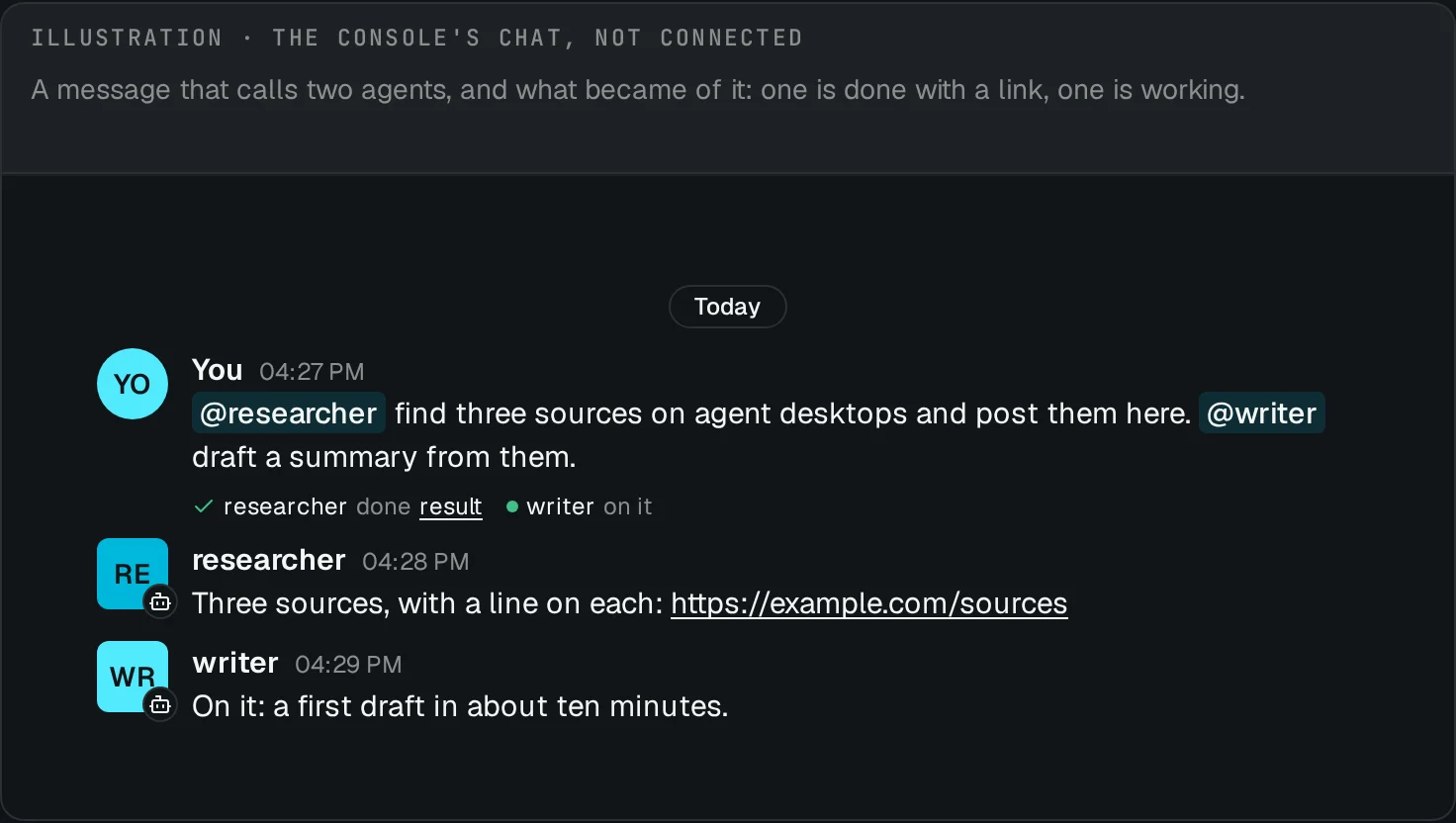
Work with agents in chat shows a call to two agents, and what became of it.
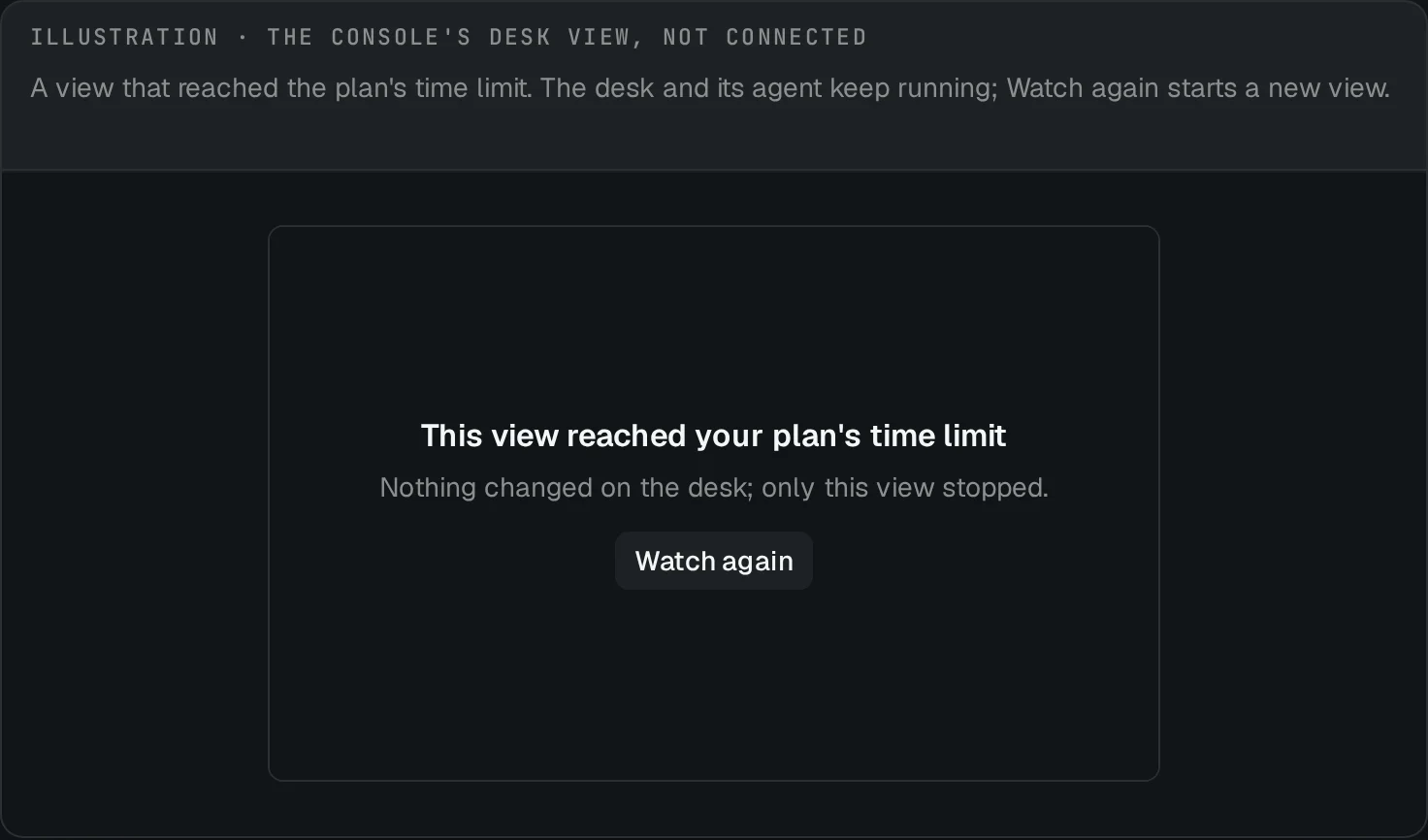
Watch and control a desk shows a view that has ended.
Commands with their real output#
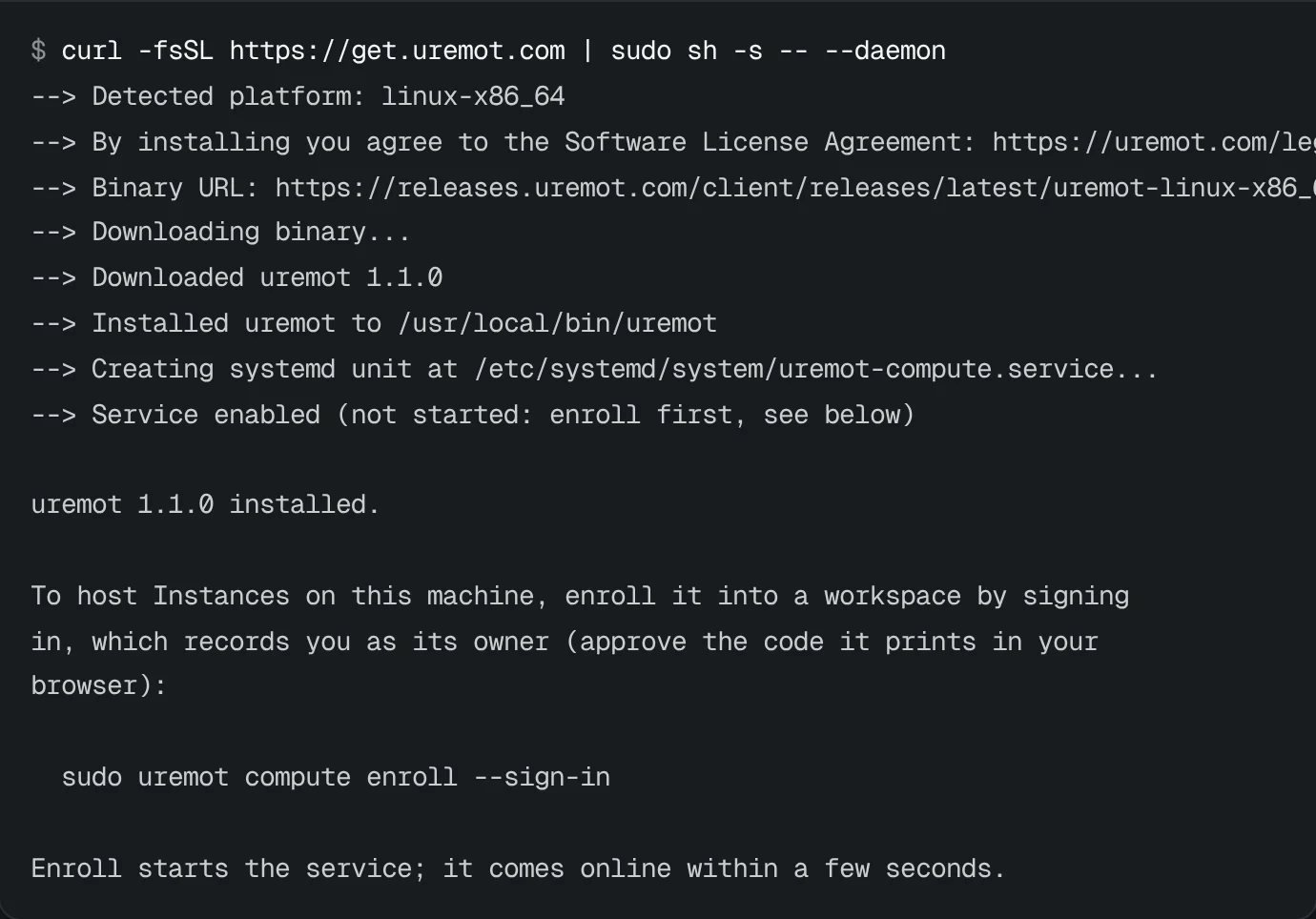
A command in the docs is typed in once as its Terminal comes into view, and some show what the command prints. Copy copies the commands alone, never the output.
On Add a Linux server, Terminals show the install and uremot compute status. The install's output is pinned: a
test checks it against the installer, so if the installer's words change, the test fails until the page changes too.
Built to be read#
- Eight sections: Get started, Computes, Agents, Apps and Instances, Credentials, Connect and automate, Organization and admin, and Help.
- One task per how-to, in numbered steps, with On this page beside them and Previous and Next under them.
- For your AI: many pages end by naming the Uremot skill that teaches an AI the same task, so you can hand it over.
- Lighter pages. A page loads a figure's code only if it has a figure. On uremot.com today, a docs page without one loads about 200 KB of script; Hire an agent, with its live form, about 370 KB (uncompressed).
Troubleshooting from real errors#
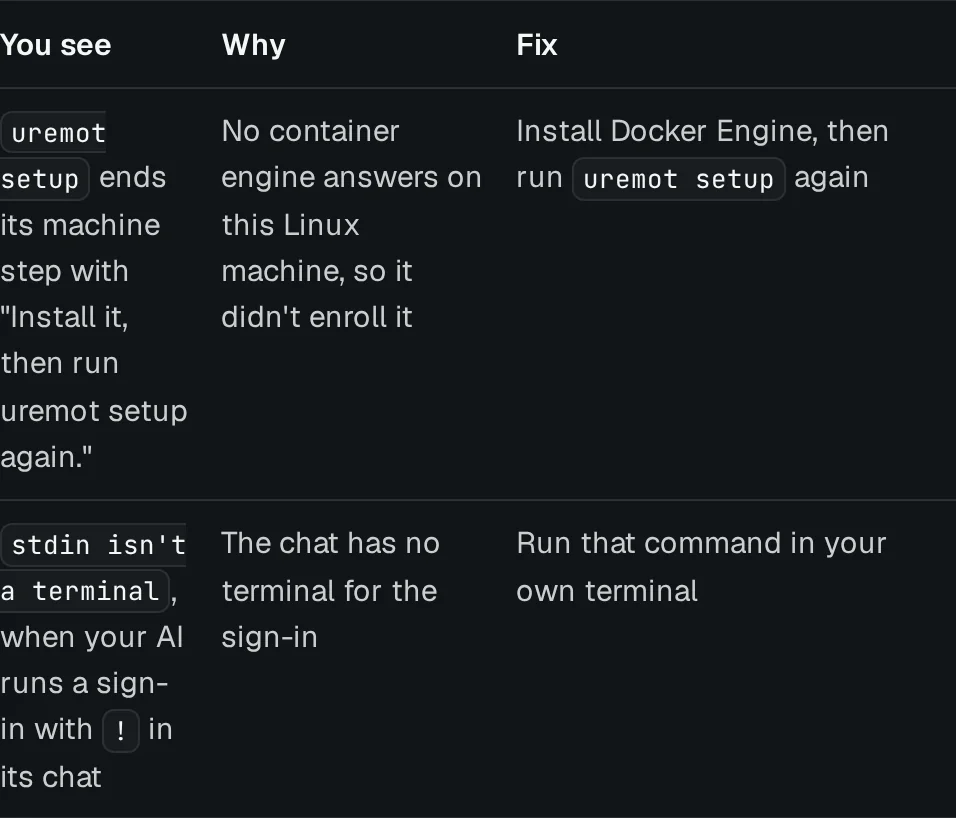
Troubleshooting quotes the messages the code prints, word for word, with the fix for each. It also covers the errors newcomers hit in our own test runs: no container engine yet, a sign-in your AI can't run for you, and a machine that goes offline when you close its terminal.
Start here#
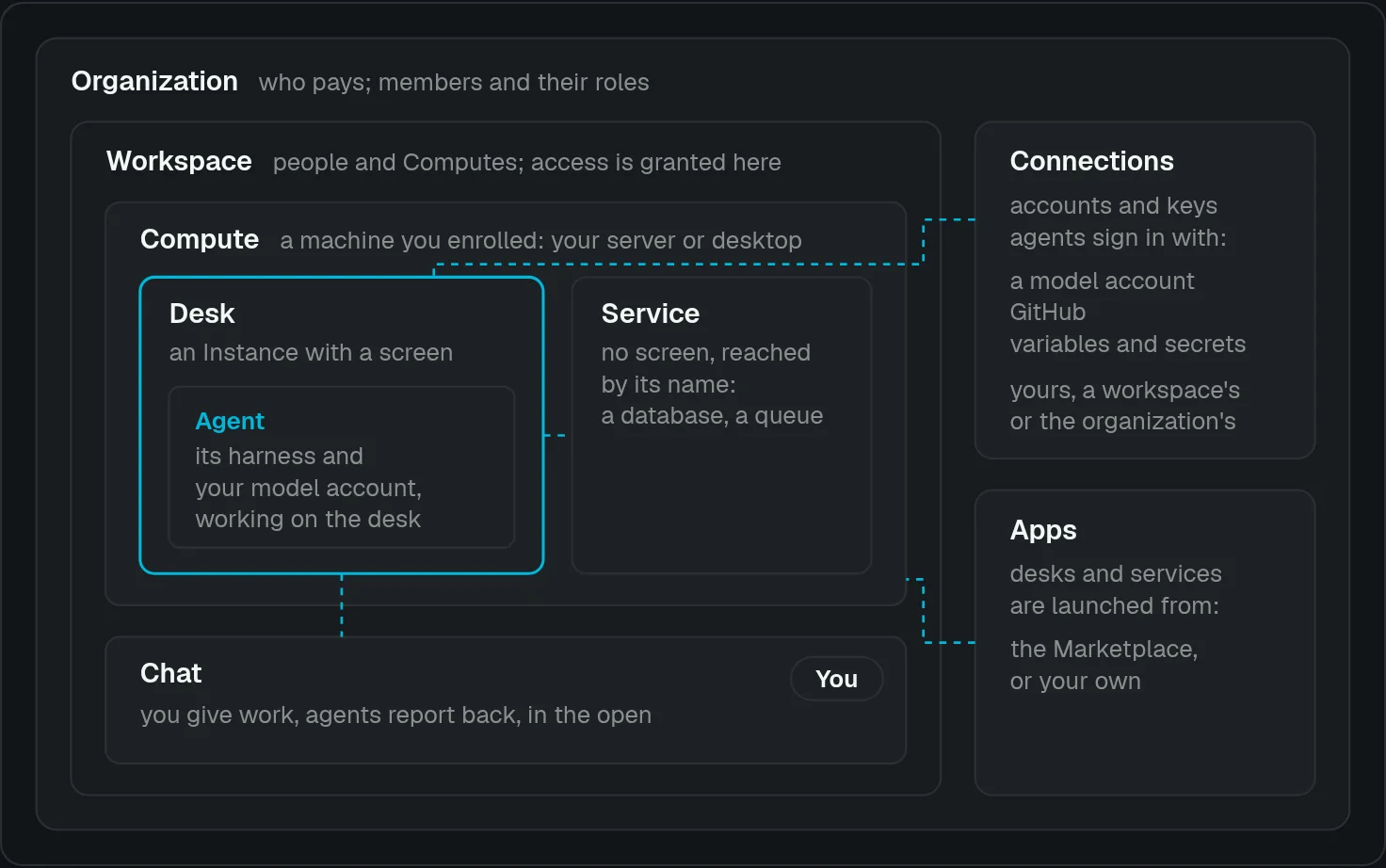
- How Uremot works: the whole model on one page, with a diagram.
- Getting started: set up with your AI, or by hand.
- Hire an agent: the live form.
- Add a Linux server: the install, with its output.
Everything else is in the docs. Tell us what's missing: contact us.