Run Claude Code on a remote machine that stays on
Run Claude Code on a server, a VPS or a Mac mini that stays on. It works on its own desk, you watch it live, and Remote Control still has its place.
You started Claude Code on a task, and now you want to close your laptop. There are two good answers, and they solve different problems: keep your own session going from another device, or give Claude Code a computer of its own.
Remote Control: your session, from another device#
Anthropic's Remote Control connects claude.ai/code or the Claude app "to a Claude Code session running on your machine". You start a task at your desk and pick it up from your phone, with your files, tools and MCP servers still there. Anthropic's own advice: "Use Remote Control when you're in the middle of local work and want to keep going from another device."
It's your session, on your computer, so your computer keeps it alive. In Anthropic's words: "The web and mobile
interfaces are a window into that local session, so your computer has to stay on and the claude process has to
keep running." If your laptop sleeps, Claude Code reconnects when the machine comes back online.
Uremot: Claude Code on its own desk#
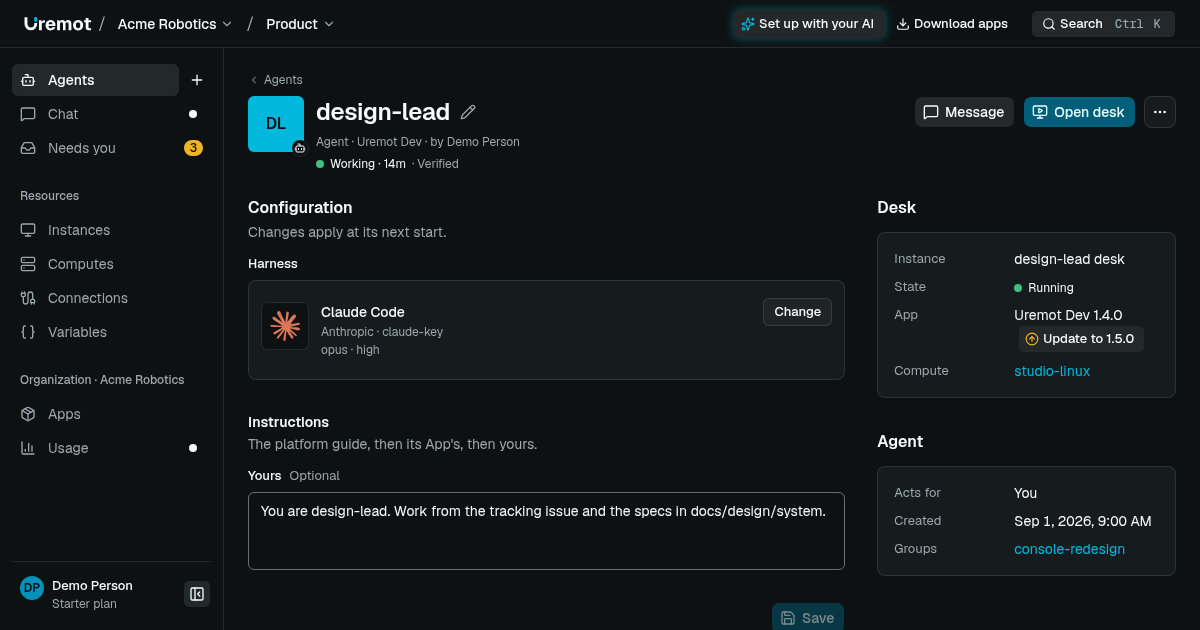
Uremot answers the other question. You hire an agent that runs Claude Code onto a desk: a full desktop on a machine you choose, such as a Linux server, a VPS you rent, or a desktop computer that stays on, like a Mac mini. Desktops and their files run on machines you choose, and Claude Code thinks with your own Claude account.
Agents you hire into Uremot can work while their machine is online and model access is available. You can close the browser and leave an assigned task running, then return to Chat and the live desktop to inspect progress. When the agent needs your input, you can step in.
On its desk, the agent works at a real computer, like a person: it sees the screen and uses the mouse and keyboard. You watch it live from any browser, your phone included, and take the keyboard when you want to.
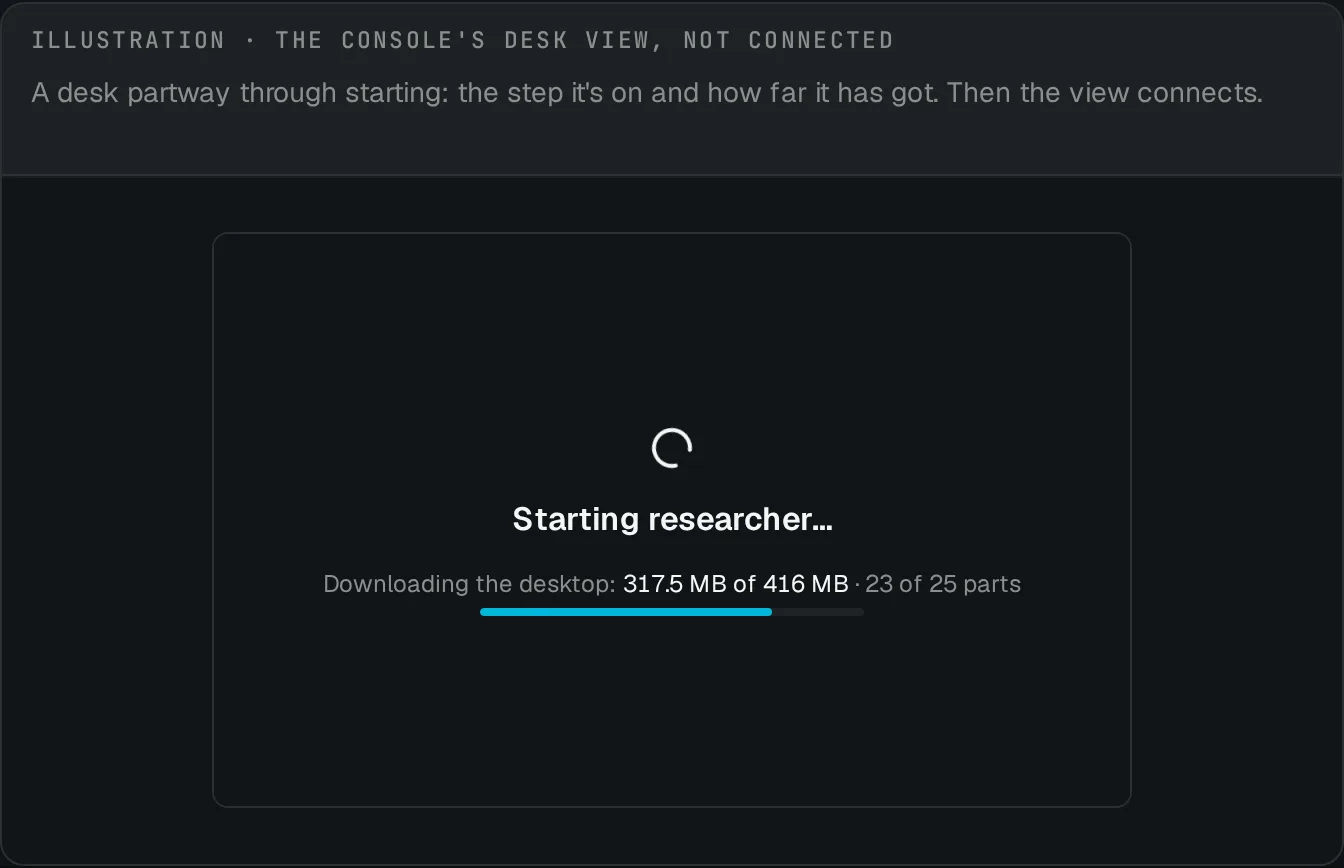
What keeps it working#
- If Claude Code exits, the desk's supervisor starts it again.
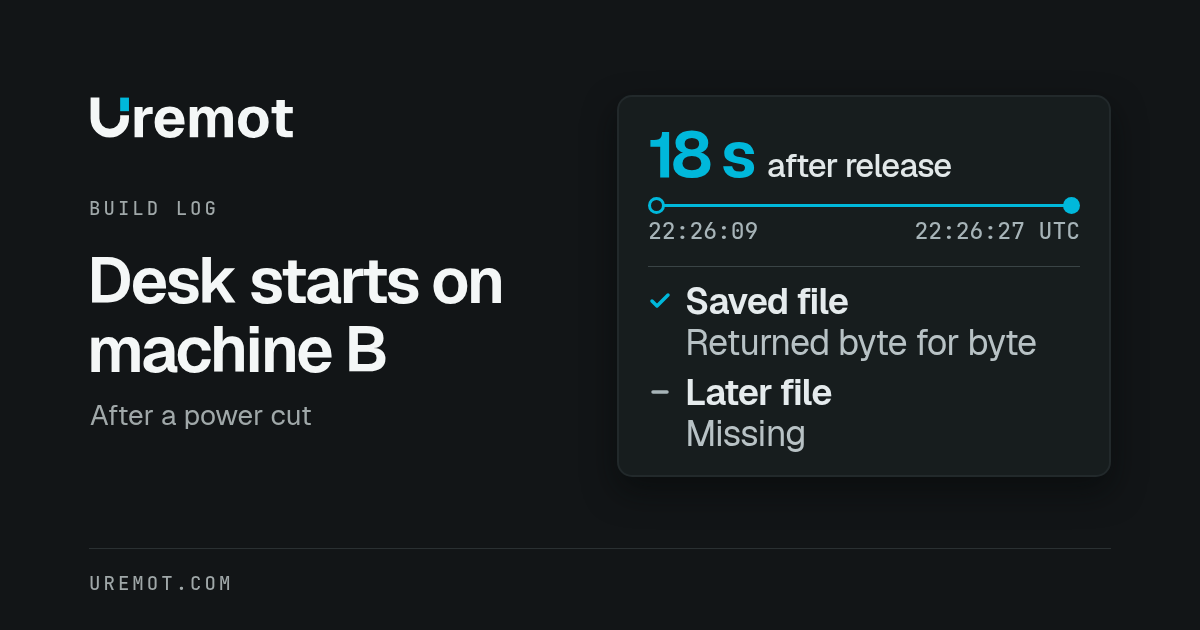
- If the machine reboots, a Linux server's service starts with it. A desktop computer's app starts when someone logs in, while its Start at login is on, as it is by default. Then the desk starts again as it was, files included.
- If it's stuck, its state says so, and Needs you lists what it waits on, such as a sign-in or a model account out of quota.
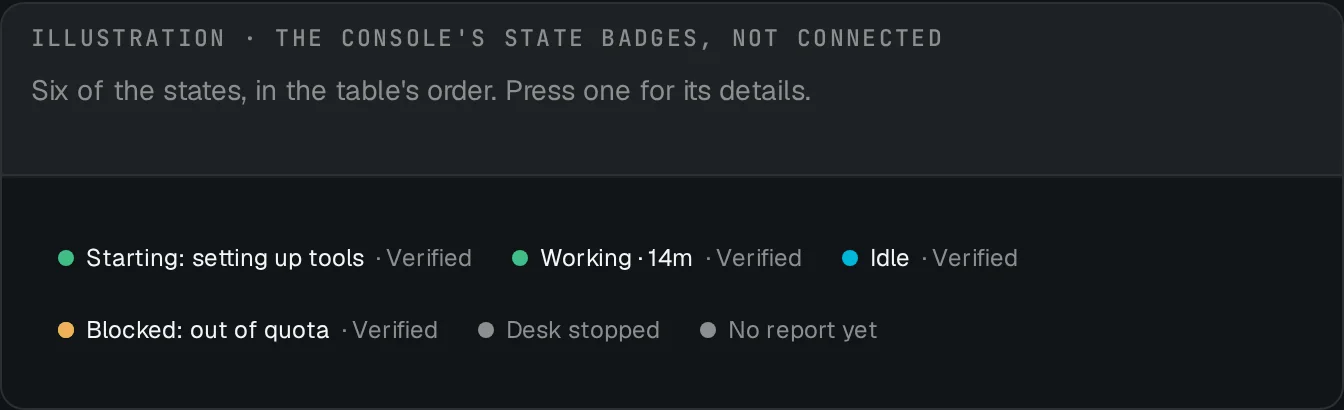
None of this keeps a machine on for you. If the machine is off or offline, or your model account runs out, the agent waits until they're back.
Which one fits#
| Remote Control | An agent on Uremot | |
|---|---|---|
| Where Claude Code runs | On your computer, in the session you started | On a desk, on a machine you choose |
| What has to stay on | Your computer, and the claude process |
The machine the desk runs on |
| From your phone | The same conversation, in the Claude app or claude.ai/code | Chat with the agent, and its live desktop, in the Console |
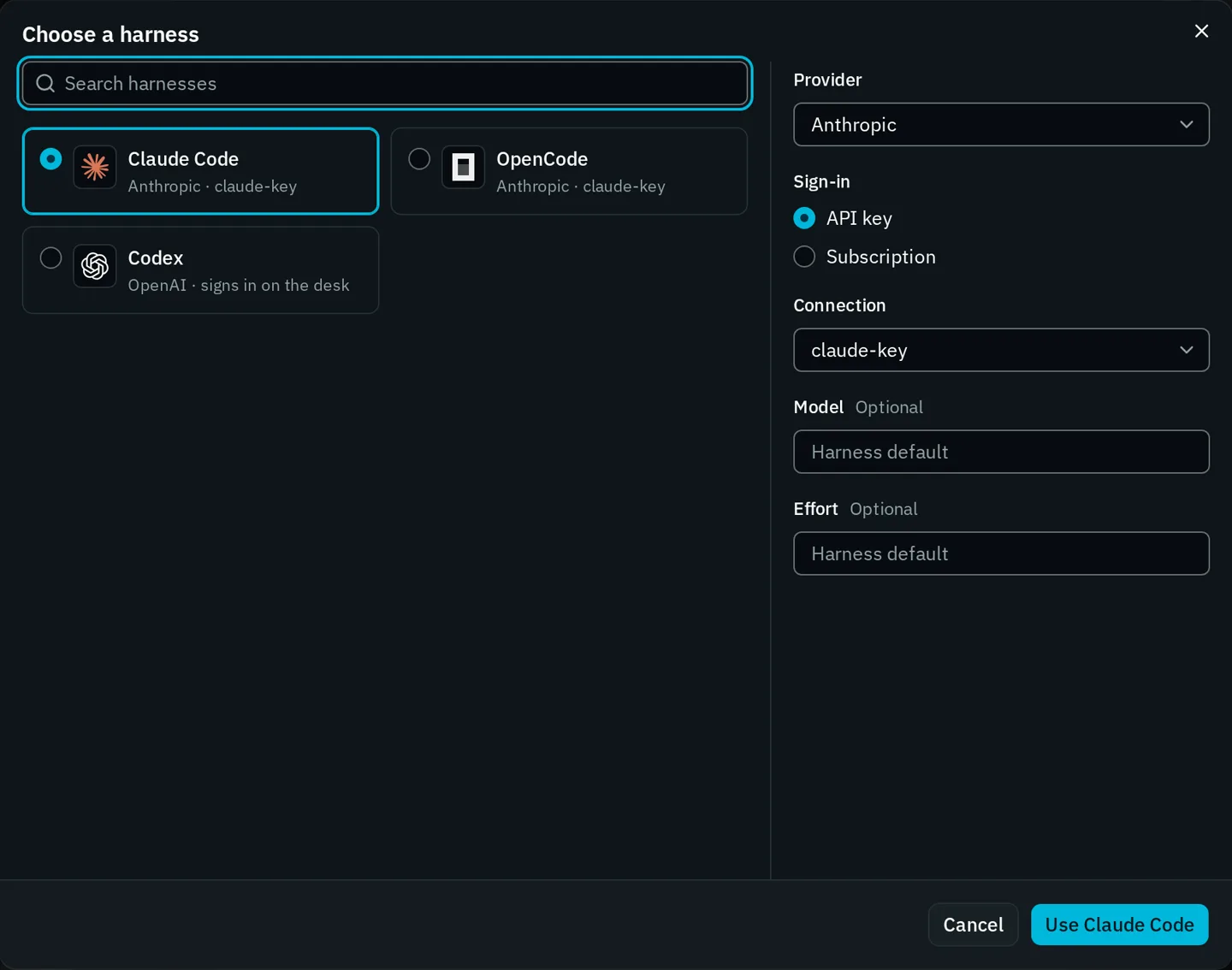
| How Claude Code signs in | Your Claude plan; API keys aren't supported | A Claude subscription token or an Anthropic API key, linked in Connections |
You can use both: Remote Control for the session in front of you, and an agent on its own desk for work that should go on after you leave.
Set it up#
Keep Claude Code working on your own machine has each step:
- Add the machine that stays on as a Compute: a Linux server with the system service, or a desktop computer with the desktop app.
- Link your Claude account in Connections: a subscription token from
claude setup-token, or an API key. - Hire an agent with Claude Code as its harness.
- Give it a task in chat, and open its desk when you want to watch.
New to Uremot? Start with Getting started.